Component categories · Motion
Motion components
Scrolling marquees, hover previews, entrance animations and other motion that gives a page rhythm. Animation uses only transform and opacity and respects the Reduce motion setting.
13 total · Updated
Where to use them
Scroll, hover and entrance motion that gives a page rhythm; animation uses only transform and opacity.
How to use them
- Open any component to see its live preview and switch between dark and light backgrounds.
- Click Copy prompt and paste it into Claude Code, Cursor, Codex or Trae. The model reads your project, rewrites the component for your framework and wires colors and fonts to your design tokens.
- Or install them from your terminal with the 8pt CLI, or just describe what you need in an editor connected to 8pt MCP.
npm i -g @8pt-dev/cli
8pt login
8pt search "Motion"
8pt add suiyun-chaos-ship
All 13 motion components
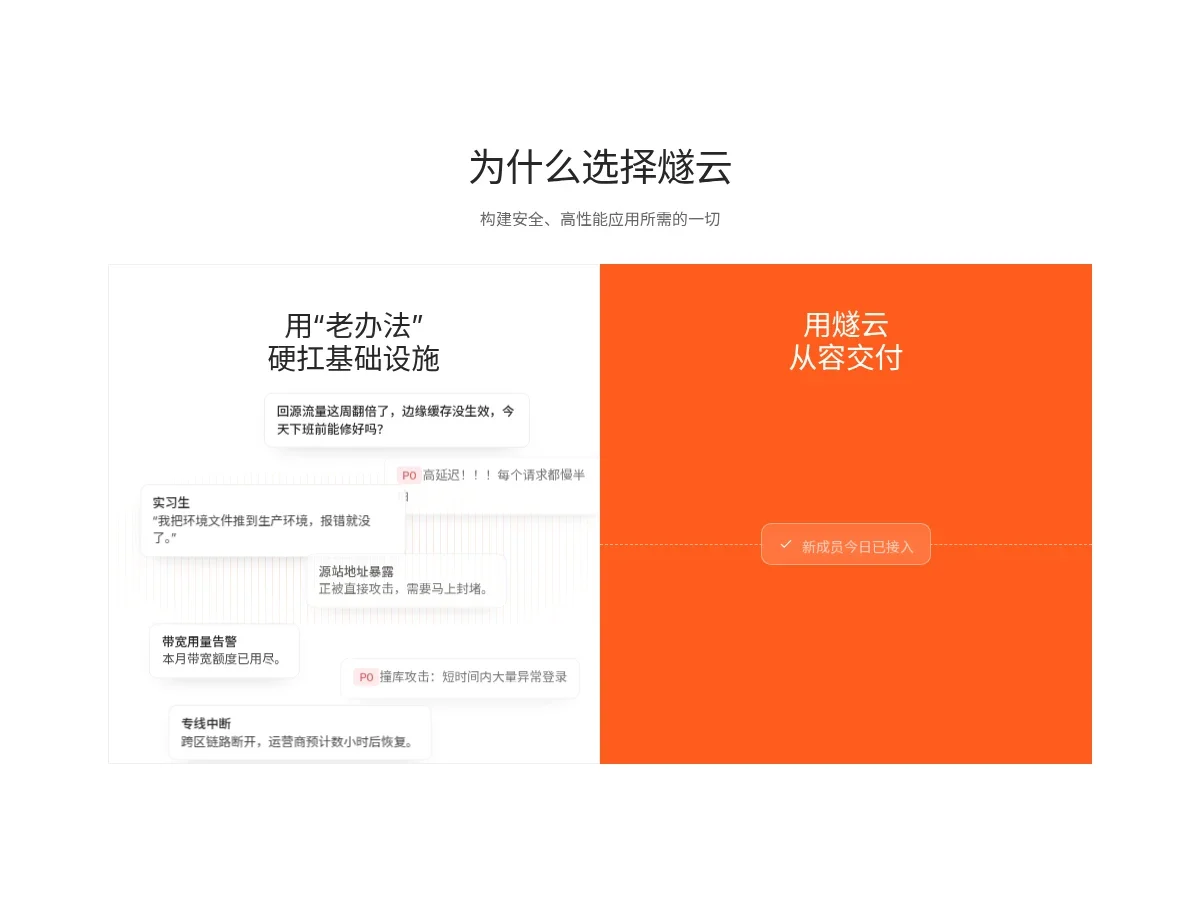
- Chaos Versus Ship Split Chaos Versus Ship Split
A side-by-side contrast section: on the left a pile of alert notes drifts and stacks over a faint orange bar-chart noise, under a headline about fighting infrastructure the old way; the right half is solid orange, split by a dashed line, where a pill message with a check cycles through good news.
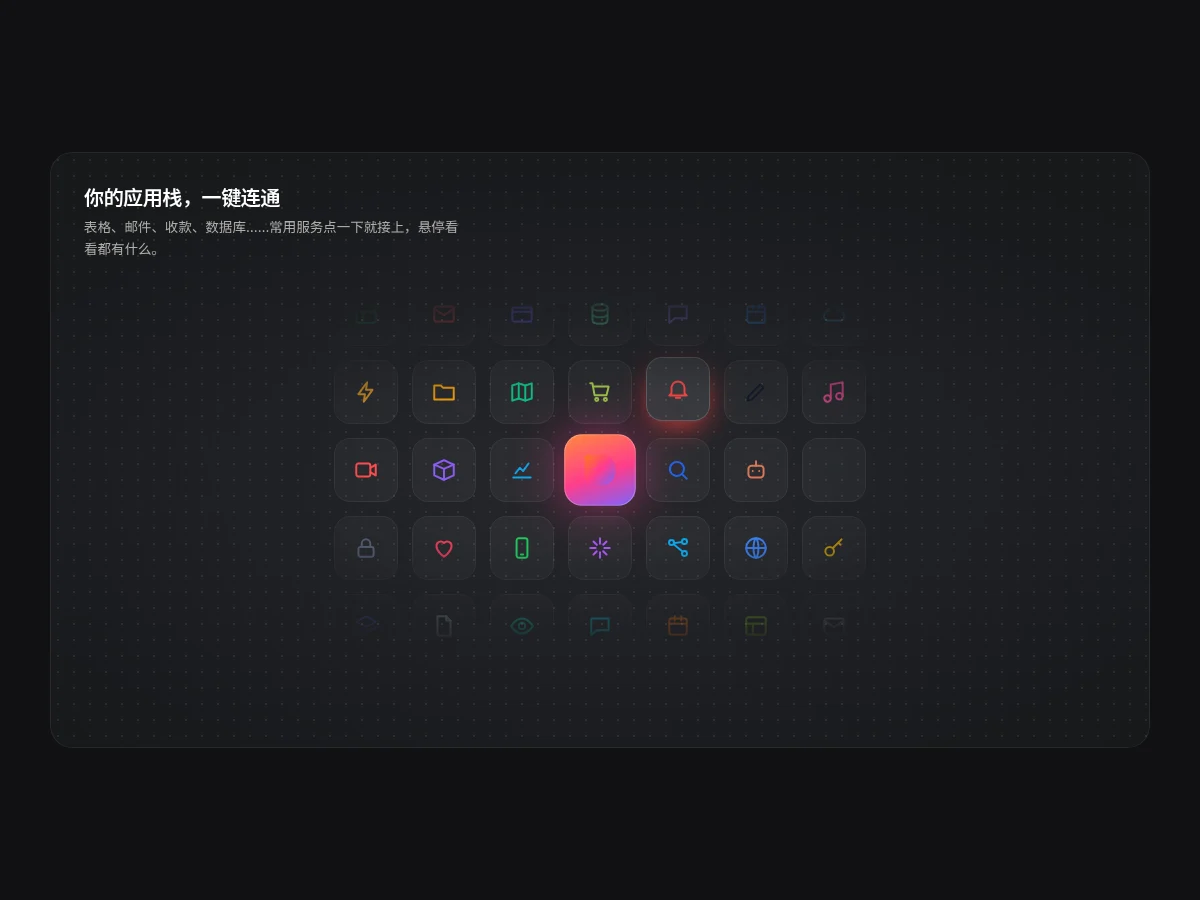
- Integration Tile Grid Integration Tile Grid
A 7×5 grid of service icon tiles in a dark card around a glowing gradient brand tile, fading out radially. Tiles near the center take turns glowing in color; hovering a tile lifts it and shows the service name.
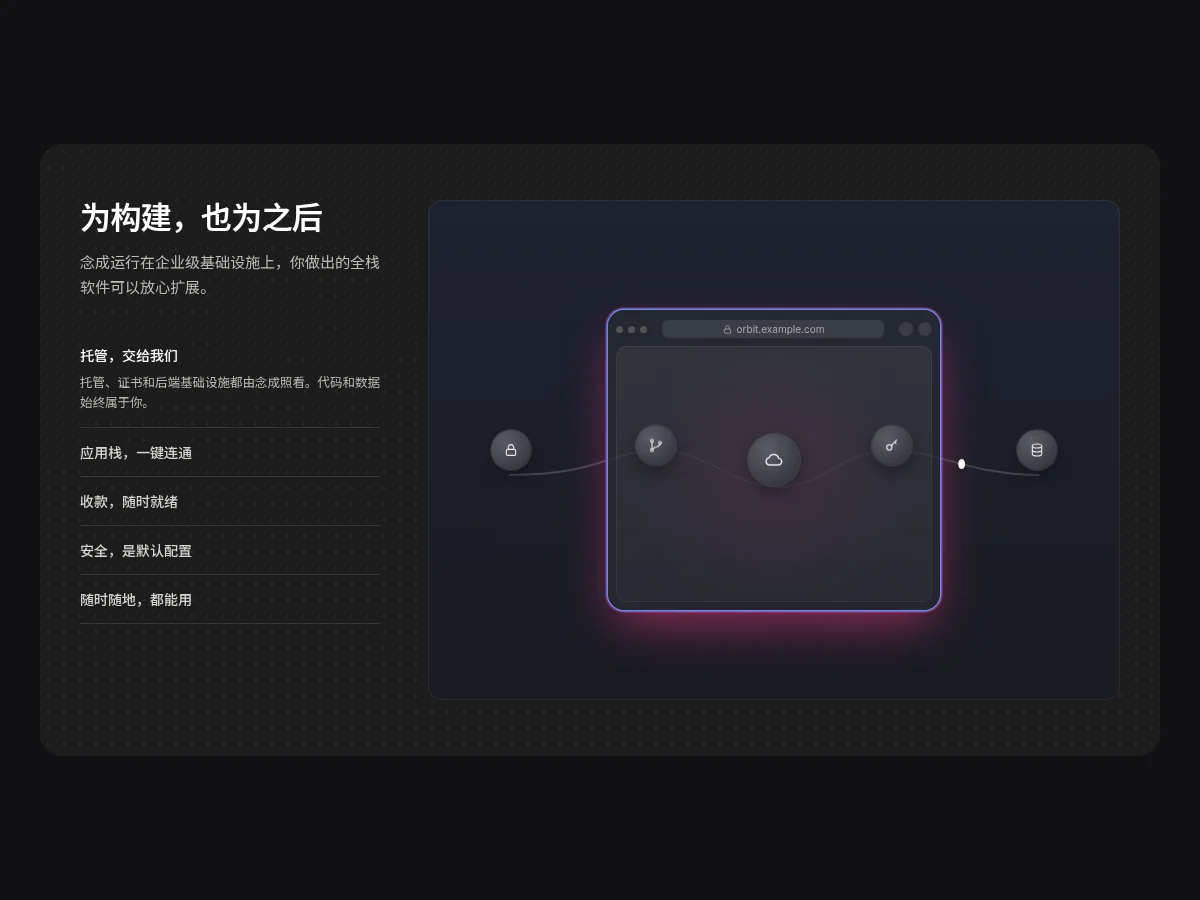
- Infra Tab Showcase Infra Tab Showcase
A dark panel: an accordion list on the left opens descriptions while the right side switches between five animated scenes (glowing browser with connected nodes, service icon grid, rotating wireframe globe with arcs, floating badges, laptop and phone mockups), rotating on its own.
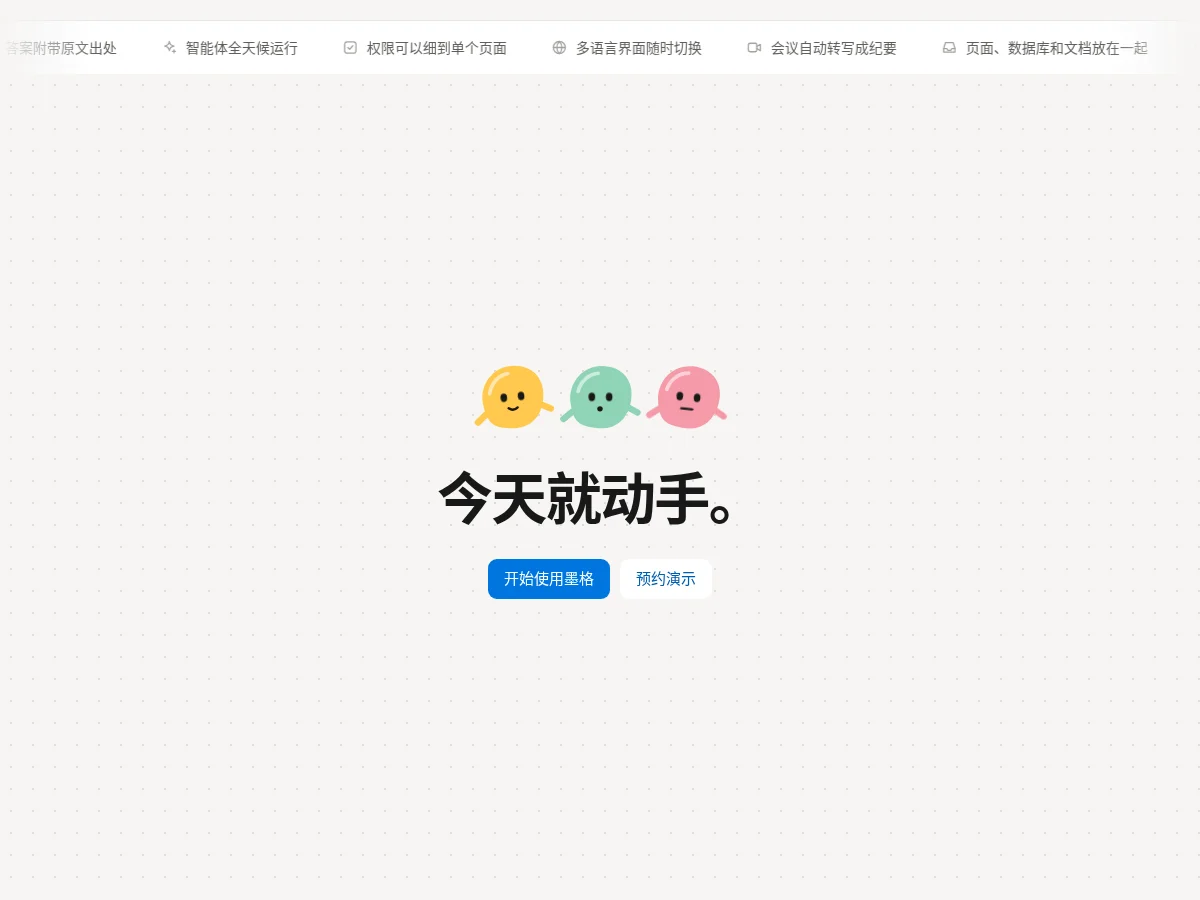
- Ticker CTA Band Ticker CTA Band
A capability ticker fading at both ends runs along the top, icons with short phrases moving at a steady pace and pausing on hover. Below, in a large warm gray block, three pebble characters wiggle in turn around a centered bold line and two blue and white buttons.
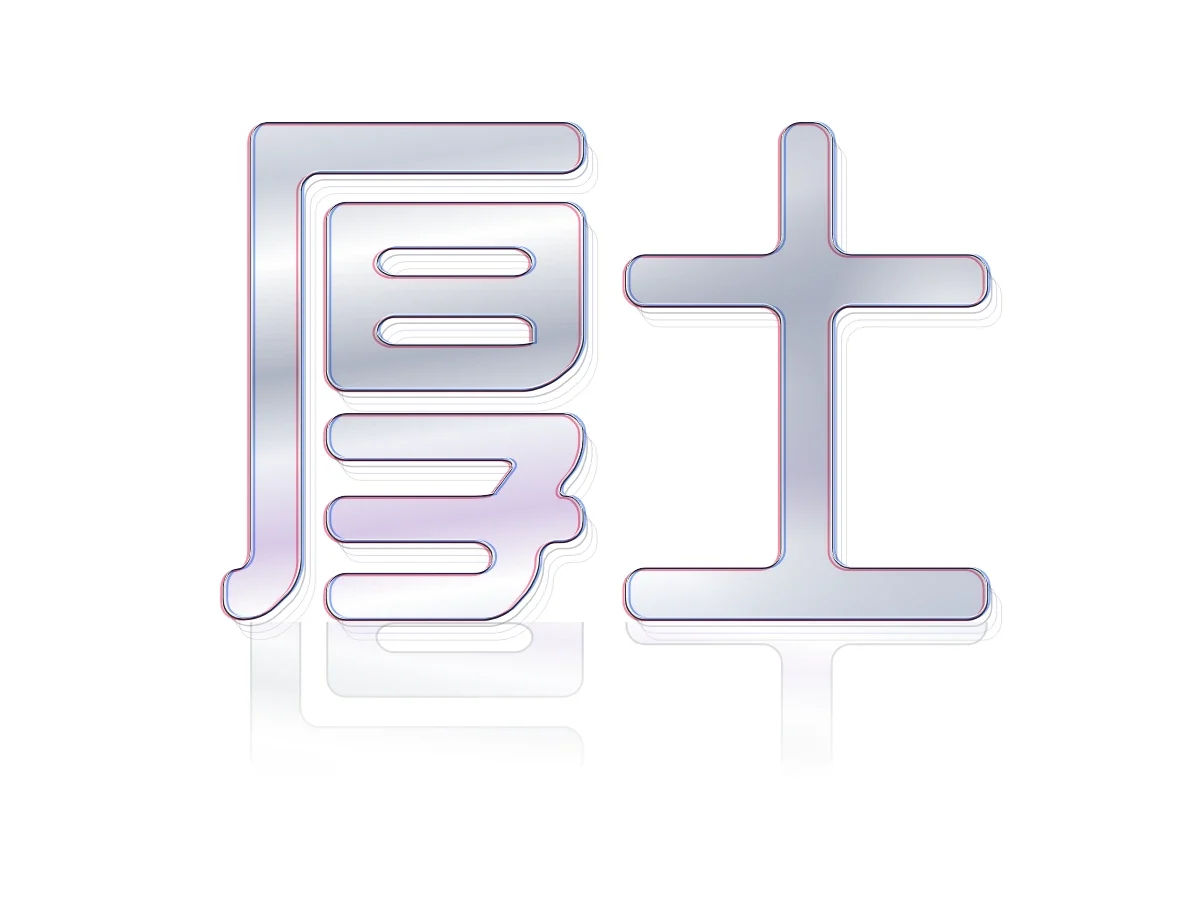
- Chrome Outline Wordmark Chrome Outline Wordmark
A giant outlined wordmark to close the page: a dark main stroke layered with offset red and blue chromatic strokes, receding 3D outlines and a floor reflection, with a silver-gray spotlight inside the letters that follows the pointer like a glass mirror. Without a pointer the spotlight wanders on its own.
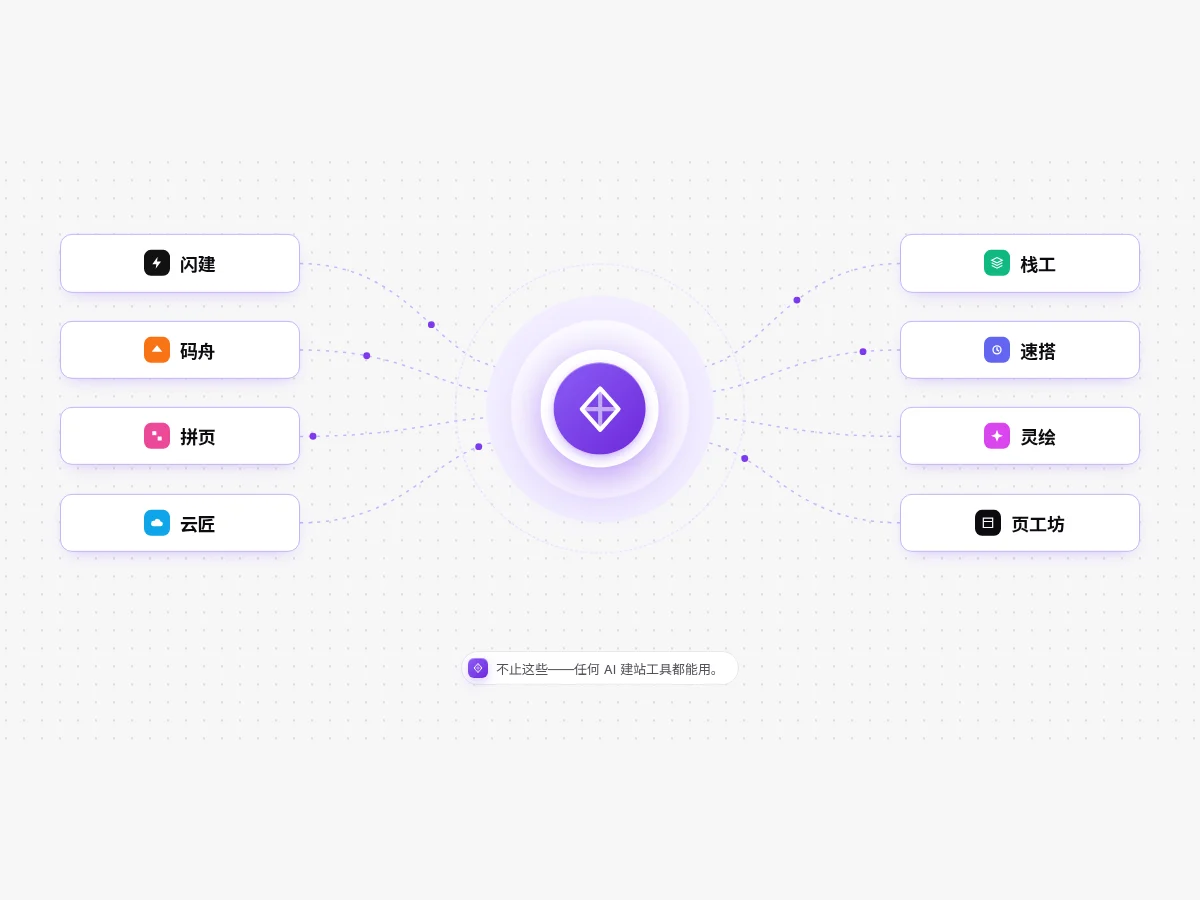
- Prompt Hub Diagram Prompt Hub Diagram
A glowing round badge in the center sends dashed curves to four tool pills on each side, with sparks flowing along the curves and an outer dashed ring turning slowly. Hovering a pill turns its connection solid. On narrow screens the badge sits on top with the pills in two columns.
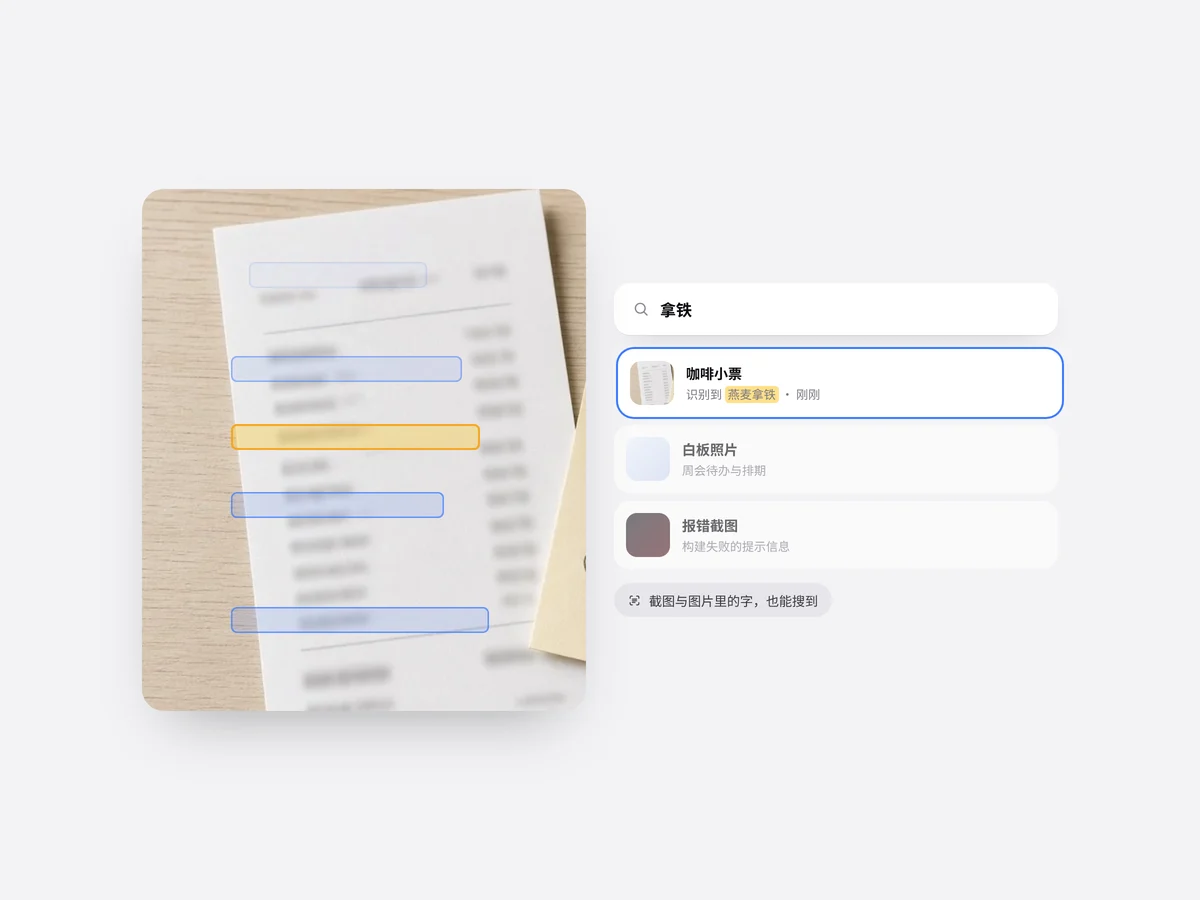
- OCR Scan Card OCR Scan Card
On the left a receipt photo is swept by a blue scanning light again and again, with recognized text appearing line by line in highlight boxes; on the right a search box types keywords in turn and the results list highlights matches. It shows that text inside images is searchable too.
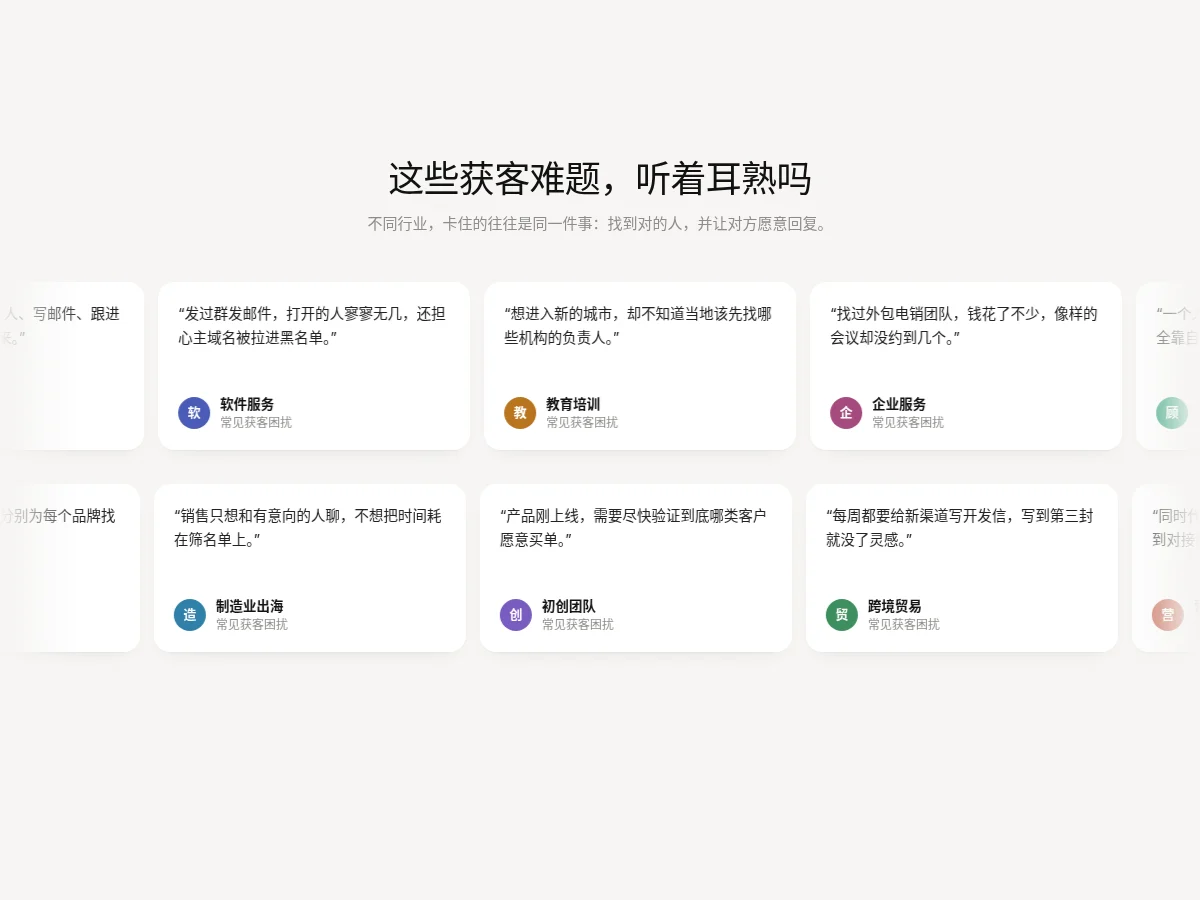
- Dual Row Quote Marquee Dual Row Quote Marquee
Two rows of white quote cards scroll slowly in opposite directions, fading at both ends and pausing on hover. Each card has a colorful initial avatar, a one-line scenario and a role tag. Good for user voices or pain points.
- Ask AI Composer Ask AI Composer
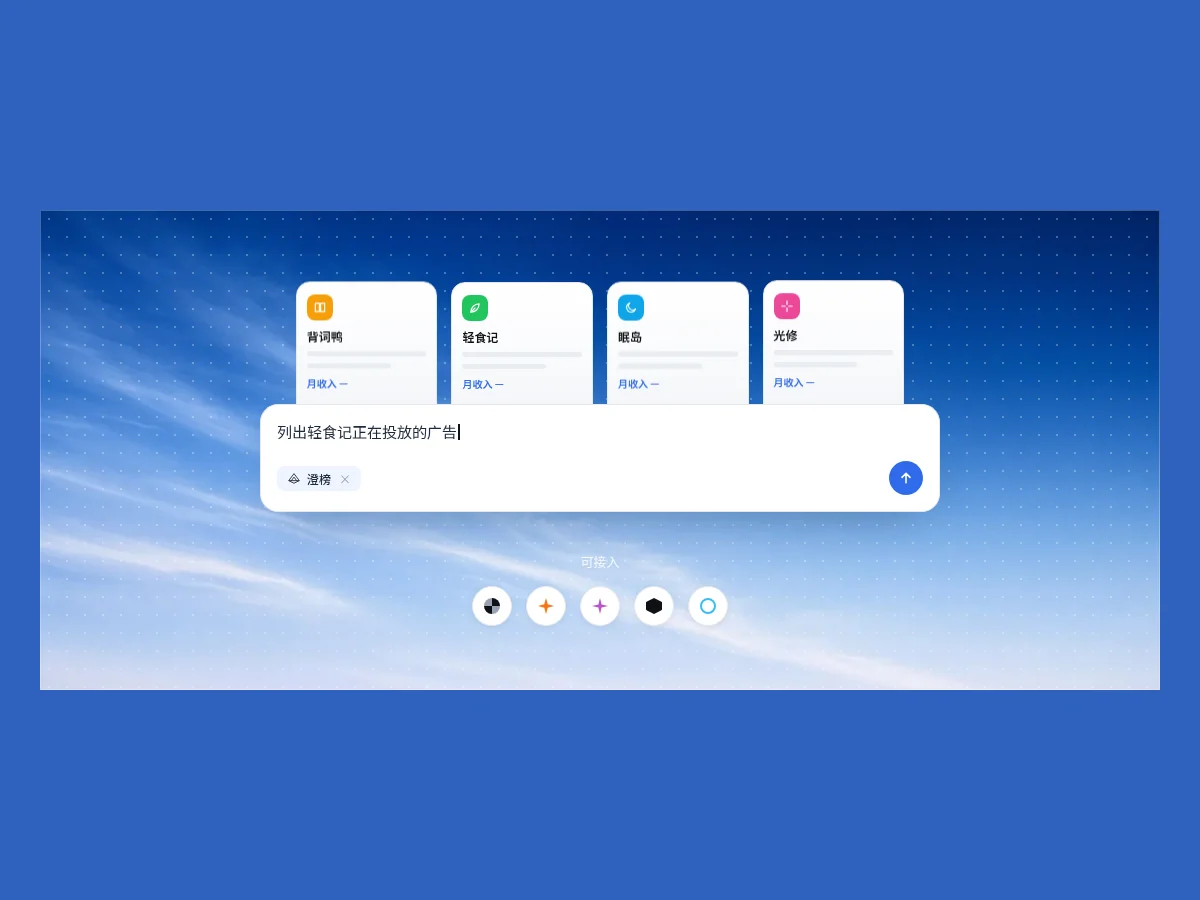
An AI chat input that types, deletes and rotates example questions, with a branded data-source tag and a blue send key, four cards floating slowly behind it and a row of round integration icons below. Good for introducing an API or MCP integration.
- Typing Search Marquee Typing Search Marquee
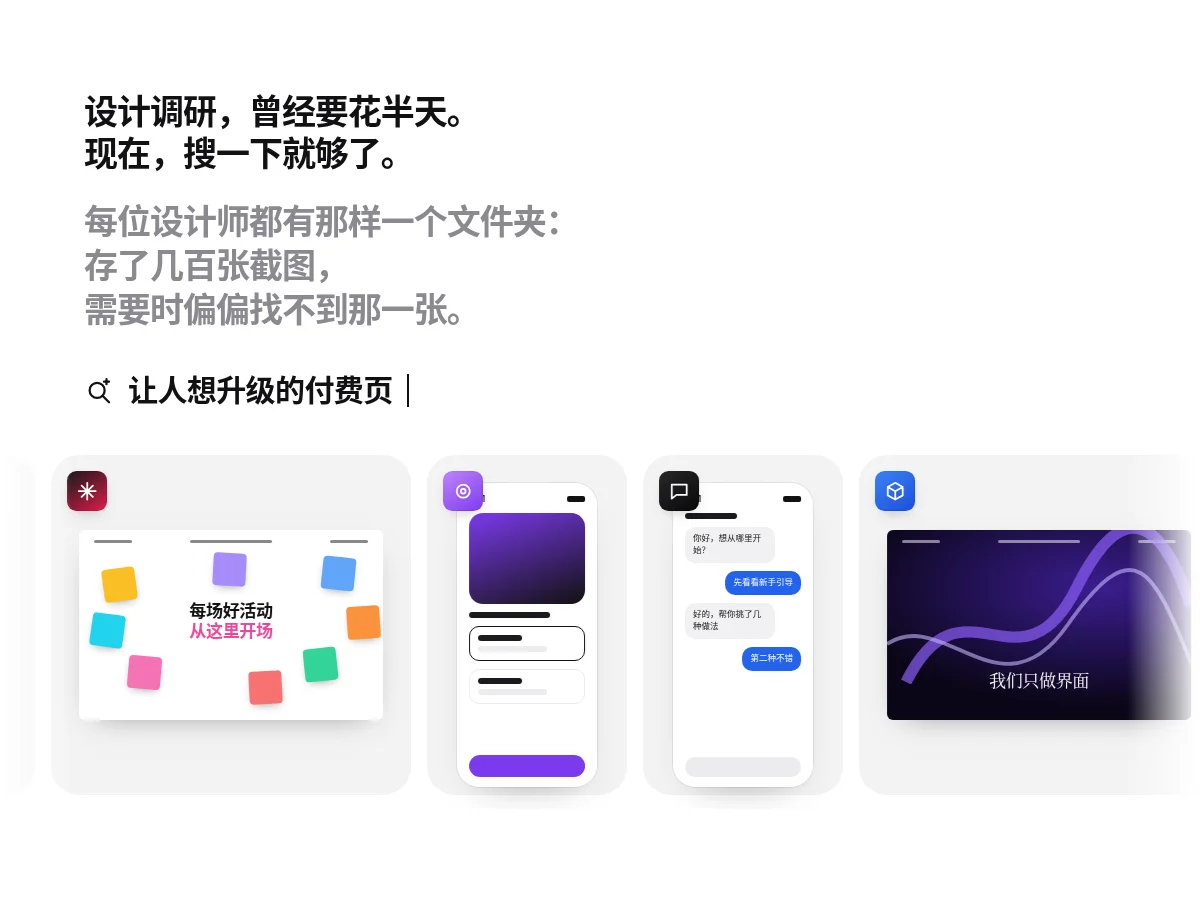
A left-aligned question-style headline with a long gray paragraph, a search term below that types out, deletes and rotates, and at the bottom a slowly scrolling gallery of interface screenshots alternating phone and web cards, pausing on hover.
- Agent Terminal Replay Agent Terminal Replay
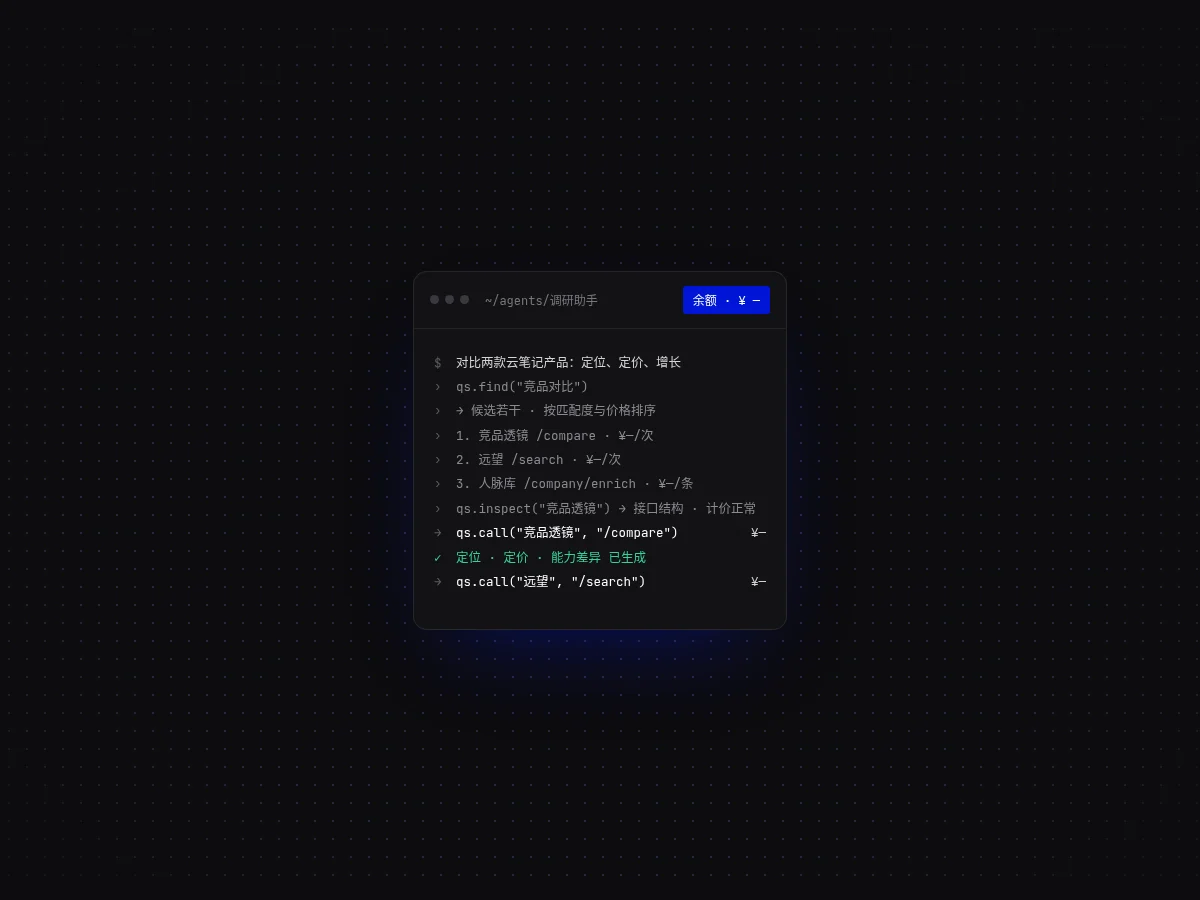
A dark terminal window replays an agent searching, comparing prices and making calls line by line, with each call’s cost right-aligned and an accent balance tag in the title bar. It pauses briefly after finishing and loops.
- Model Pill Marquee Model Pill Marquee
Two rows of model pills scrolling in opposite directions, each with a color swatch and a New badge, fading at both ends. Hovering pauses the row and outlines a single pill. Good for showing supported models, partners or a tech stack.
- Marquee Marquee
Two rows of tags scrolling in opposite directions with faded edges; pauses on hover. The content is duplicated for a seamless loop.
FAQ
Can I use 8pt motion components in React, Vue or Next.js projects?
Yes. Component source is native HTML, CSS and a little JS. Hand the copied prompt to your model and it rewrites the component for your stack in React, Vue, Svelte and so on, wiring colors and fonts to your existing design tokens.
How do I add motion components to my project?
Three ways: copy the prompt on the component page for your model; run it with the 8pt CLI 8pt add <Components slug>; or connect 8pt MCP and just describe what you need in the chat. Copying prompts, the CLI and MCP need the Builder plan (Builder is $9//month, $25//quarter or $ $75//year; there’s alsoFounding Lifetime $179, one payment, limited to 100 seats).
Will motion hurt performance?
Animations that only move transform and opacity are handled by the browser’s compositor and usually don’t trigger layout. Every 8pt motion component follows that rule, and stops animating, keeping its final state, when the user turns on Reduce motion.
Can I use them in commercial projects?
Yes. You can use code you copy or install in your own projects, including commercial ones, but you can’t resell 8pt content as a whole or build a competing asset library with it.